
Why Restaurant Lines Get Hard to Manage
Paper sign-up sheets have real limits
Many restaurants still manage their line with a paper sheet and number tags. This approach runs into a few consistent problems:
- Hand-written check-in slows down during busy periods
- The number of waiting parties relies on someone counting by eye
- Missed calls and out-of-order calling happen easily
- The sheet has to stay at the counter, so customers are stuck standing in line
Uncertain wait times cost you customers
When the queue isn't managed clearly, customers feel it too:
- They don't know how long or how many parties are ahead of them
- Standing outside the door the whole time is unpleasant
- Some people leave the moment the place "looks busy," without ever asking
It's not the wait itself that's stressful — it's not knowing and not being able to move. Fixing that is what actually reduces walk-aways.
What Changes When You Add a Queue App
Less work for staff
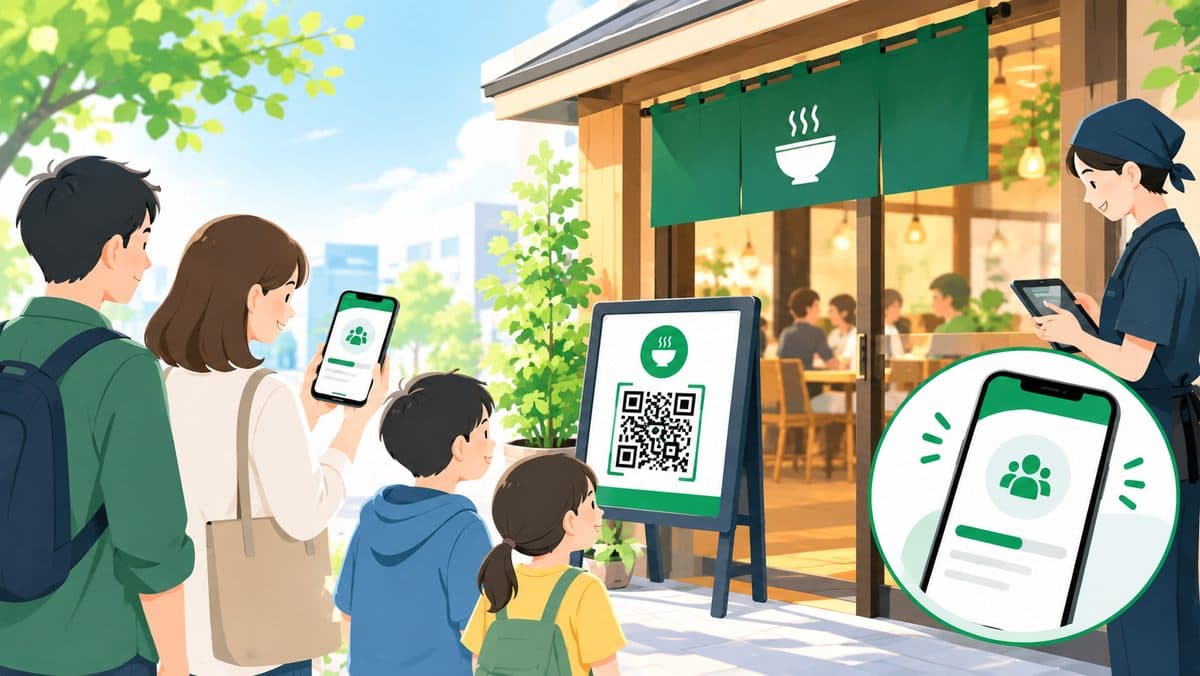
- Customers check themselves in from a QR code (just entering party size)
- The number of waiting parties is visible at a glance
- Calling is one tap, in any order you choose
- Called / completed / no-show history is tracked automatically
Staff no longer need to stay near the door to handle check-in, freeing them up for service and the kitchen.
Customers can wait without standing in line
- After checking in, customers don't have to stand at the entrance — they can wait nearby or in their car
- They can check their position anytime from their phone
- They get notified when it's their turn (on-screen, sound, and web push)
Letting people wait on their own terms reduces walk-aways and leaves a better impression for repeat visits.
What to Check Before You Choose a Tool
Before picking a queue app, confirm these four points.
1. Can you start for free?
Many services charge setup or monthly fees, which often don't pay off for a small restaurant. Check whether a free plan is actually usable, not just a trial.
2. No app download or account required?
Asking customers to install an app or create an account is often enough to make them leave. Look for something that works entirely in the browser with no sign-up.
3. What do notifications cost?
LINE notifications are convenient, but some services charge per message sent. Check whether there's a notification option — like web push — that doesn't add ongoing cost.
4. Can staff check in customers without smartphones?
Older customers and others without a smartphone still show up regularly. Whether staff can register them manually from the admin screen is one of the most important things to check for day-to-day operations.
Setup Guide: Free Tool "Queueue" (About 5 Minutes)
Here's how to set up Queueue, a free queue system that requires no account registration.
Step 1: Register your shop
Enter your shop name on the homepage and you'll instantly get an admin screen and a check-in URL. No credit card or account sign-up needed.
Step 2: Put up a QR code
Print the check-in URL as a QR code and place it near the register or at the entrance. Customers scan it, enter their name (optional) and party size, and they're checked in.
Step 3: Run it on the day
- Waiting parties appear automatically in the admin screen
- Use "Call next," or call any party out of order
- For customers without a smartphone, staff can add them manually from the admin screen
That's the entire operation — no technical knowledge required.
Register your shop for free and try it out
Create your shop for freeRunning It Smoothly After You Set Up
Setup is only the start. A few habits help keep things running well.
Call slightly early during peak times
During your busiest hours, call the next party a little before the table is actually ready, timed to when you'll be prepared to seat them. This cuts down the dead time between calling and seating.
Don't let missed calls pile up
Check your "called" list regularly and mark parties who never showed up as no-show. Leaving them unresolved makes the displayed wait count drift from reality, which erodes trust with other waiting customers.
Ask customers to turn on notifications
The waiting screen offers a web push notification opt-in. Mentioning it at check-in helps prevent customers from missing their turn because they weren't looking at the screen.
FAQ
Q. Is it really free?
Yes, it's free to use, with no hidden fees or upsells.
Q. Do I need to install an app?
No. Both customers and staff can use it entirely in the browser.
Q. How do you handle customers without a smartphone?
Staff can check them in manually from the admin screen — just enter a name and party size, the same way you would with a paper sheet.
Q. Is there any notification option besides LINE?
Yes. In addition to on-screen updates, web push notifications are supported, which helps customers notice when they're called even with the screen closed.
Q. Can I use this for multiple locations or multiple registers?
Yes. Each shop (check-in URL) has its own independent queue, so you can run it per location or per register.
Summary
Managing lines at a restaurant comes down to:
- Recognizing the limits of paper-based management
- Letting customers wait without standing in line
- Choosing a free tool that needs no account registration
You don't need a large system or dedicated hardware to get started.
If you're curious how other tools compare, see our queue system comparison guide. For use cases beyond restaurants, check out our school festival & event queue guide. If running a LINE official account feels like a burden, take a look at our no-LINE queue system comparison as well.