
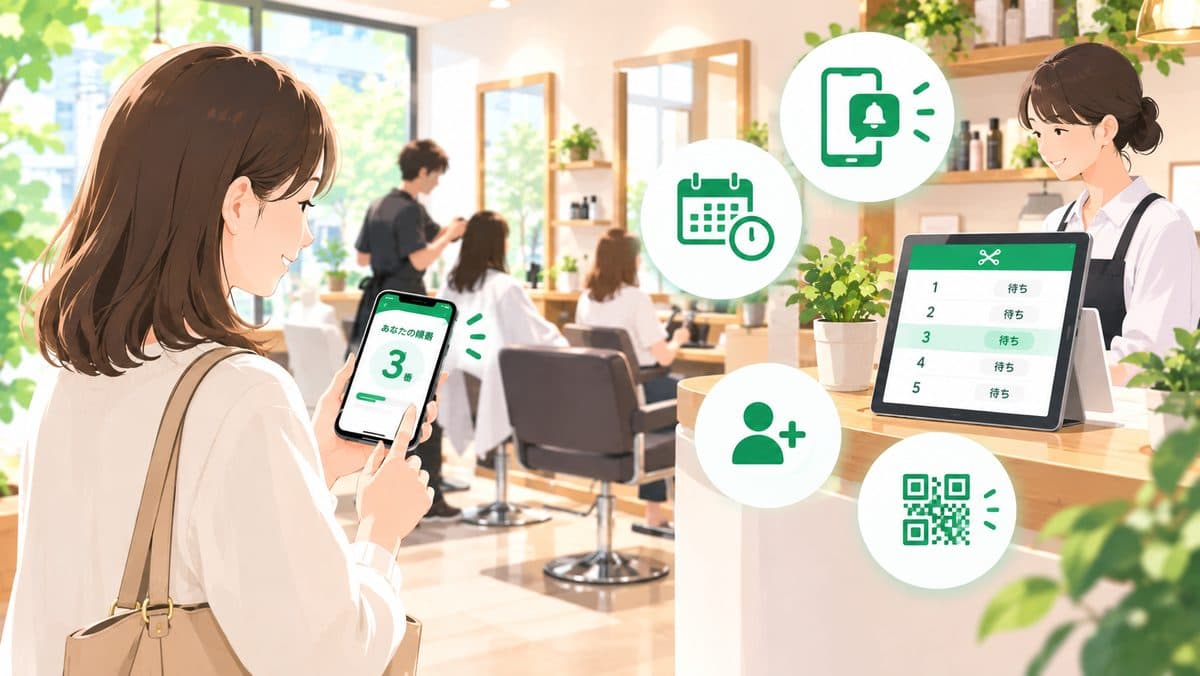
Why Waiting Lines Are Hard to Manage at Salons
Walk-ins compete with your appointment schedule
Most salons build their day around scheduled appointments. Adding walk-ins on top of that creates real friction:
- Staff mid-treatment can't step away to handle check-in right away
- It's hard to tell a walk-in exactly how many minutes until someone's free
- Verbal, ad-hoc tracking breaks down fastest during busy hours
Paper sheets and verbal notes don't scale across staff
Paper sign-up sheets or quick verbal notes are easy to start with, but they run into real limits:
- Staff who are with a client can't check the sheet
- It's easy for staff to lose track of who's actually next
- Customers keep having to ask staff how much longer, which is a burden on both sides
Being able to check people in and call them accurately while staff stay focused on treatments is the key challenge for salons specifically.
What Happens If You Leave It Unmanaged
Running without a clear way to track the waiting line leads to a few predictable problems.
Customers walk away
- Standing around with no idea how long the wait will be is stressful
- Some customers leave for another salon the moment the place looks busy
- Once someone walks away, they're more likely to avoid walk-in visits (and even bookings) at your salon going forward
More work for staff
- Check-in interrupts staff between treatments, breaking their focus
- Missed calls and out-of-order calling lead to complaints
- The busier it gets, the less bandwidth anyone has to manage the line manually
It's usually not the wait itself that drives people away — it's not knowing what's going on. Making wait status visible is what actually prevents walk-aways.
What to Check Before You Choose a Tool
Before picking a queue system for a salon, confirm these four points.
1. Can you start for free?
For smaller salons, a system with monthly fees often doesn't pay off. Check whether a free plan is actually usable, not just a trial.
2. No app download or account required?
Asking customers to install an app or create an account raises the barrier to using it at all. Look for something that works entirely in the browser with no sign-up.
3. Will staff notice the call while mid-treatment?
Staff aren't watching the check-in screen constantly while working with a client. Check whether there's a notification option — like web push — that reaches staff even when they're not looking at the screen.
4. Can staff check in customers without smartphones?
Salons with an older customer base often run into people who find phone-based check-in difficult. Whether staff can register them manually from the admin screen is one of the most important things to check for day-to-day operations.
Setup Guide: Free Tool "Queueue" (About 5 Minutes)
Here's how to set up Queueue, a free queue system that requires no account registration.
Step 1: Register your salon
Enter your salon name on the homepage and you'll instantly get an admin screen and a check-in URL. No credit card or account sign-up needed.
Step 2: Put up a QR code
Print the check-in URL as a QR code and place it near the register or at the entrance. Customers scan it, enter their name (optional) and party size, and they're checked in.
Register your salon for free and try it out
Create your shop for freeStep 3: Run it on the day
- Waiting customers appear automatically in the admin screen
- Use "Call next," or call any customer out of order
- For customers without a smartphone, staff can add them manually from the admin screen
That's the entire operation — no technical knowledge required.
Running It Smoothly After You Set Up
Setup is only the start. A few habits help keep things running well.
Make sure staff can see call status while mid-treatment
The admin screen also works from a phone, so sharing it with staff who are mid-treatment — not just whoever's at the register — helps avoid situations where a waiting customer goes unnoticed.
Don't let missed calls pile up
Check your "called" list regularly and mark customers who never showed up as no-show. Leaving them unresolved makes the displayed wait count drift from reality, which erodes trust with other waiting customers.
Ask customers to turn on notifications
The waiting screen offers a web push notification opt-in. Mentioning it at check-in helps prevent customers from missing their turn because they weren't looking at the screen.
FAQ
Q. Is it really free?
Yes, it's free to use, with no hidden fees or upsells.
Q. Do I need to install an app?
No. Both customers and salon staff can use it entirely in the browser.
Q. Can staff call customers while they're mid-treatment?
Yes. Since the admin screen works from a phone, staff can tap the call button between treatments without leaving their station.
Q. How do you handle customers without a smartphone?
Staff can check them in manually from the admin screen — just enter a name and party size, the same way you would with a paper sheet.
Summary
Managing walk-in waiting lines at a salon comes down to:
- Building in a way to check people in and call them without pulling staff away from treatments
- Making wait status visible to customers
- Choosing a free tool that needs no account registration
You don't need a large system or dedicated hardware to get started.
If you're curious how other tools compare, see our queue system comparison guide. If running a LINE official account feels like a burden, take a look at our no-LINE queue system comparison. For a restaurant-focused walkthrough, see our restaurant queue app setup guide.